Mo6o Booking: Appointment Booking Software for India
Mo6o Booking is appointment booking software for salons, spas, clinics and gyms: online booking, GST billing, WhatsApp and reports. Start free.
Who is Mo6o Booking for?
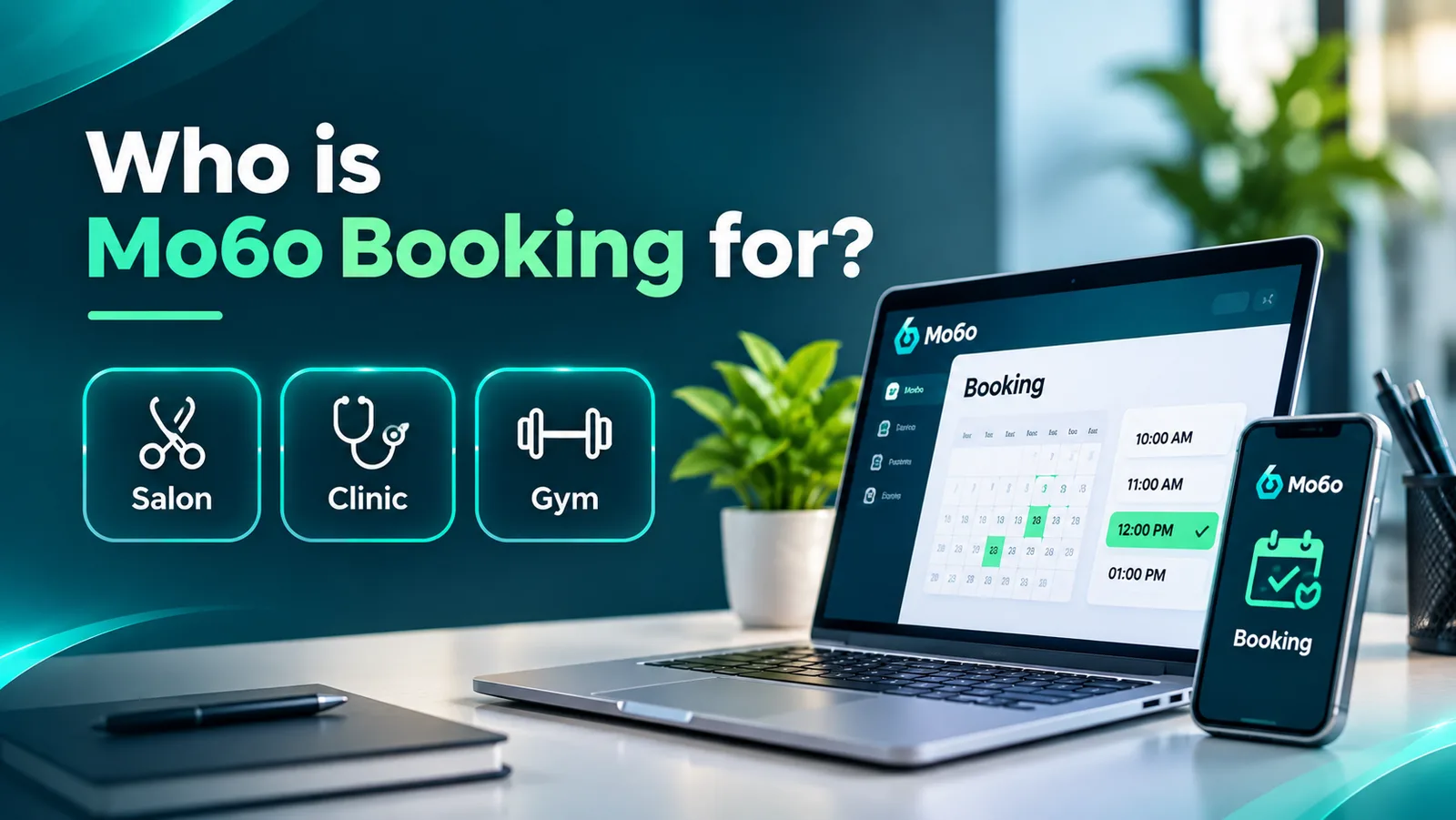
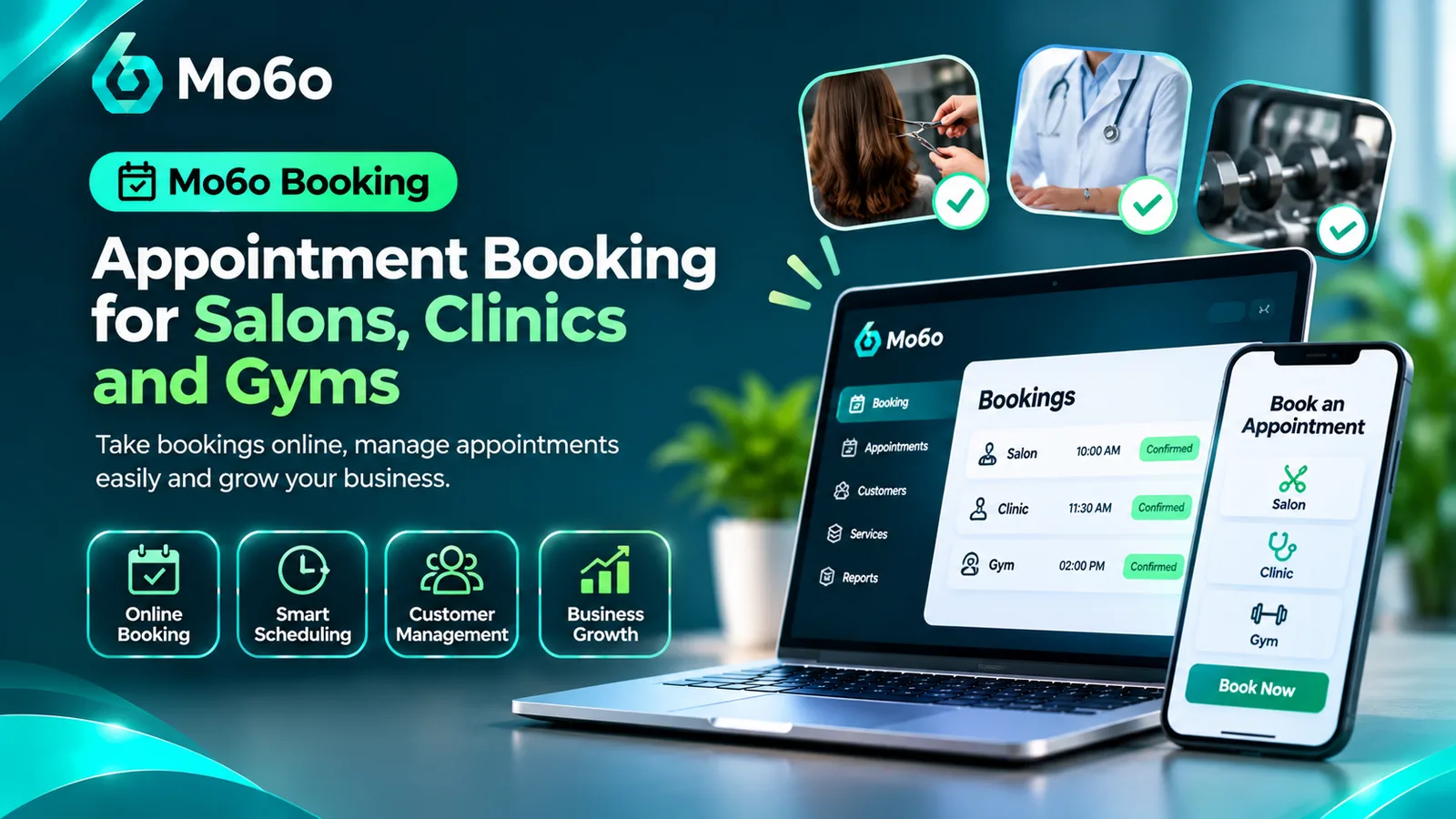
Mo6o Booking is made for every appointment-based service business. When you sign up, you pick your business type, and the whole app adapts: labels, categories, workflows and reports change to fit how your industry works.
• Salons and barbershops: stylist schedules, service menus, tip splits and product retail.
• Spas and wellness centres: therapy rooms, packages, memberships, multi-session bookings and deposit-secured slots.
• Clinics and dental practices: patients instead of clients, appointment intake, practitioner calendars and visit history.
• Gyms and fitness studios: members and plans, trainer slots, renewals and class bookings.
• Nail and beauty studios: quick-service menus, walk-in queues, combo packages and loyalty.
• Tattoo and piercing studios: artist portfolios, consultation-to-session pipelines, deposits and consent on file.
• Pet grooming and vets: pet profiles, owner contacts, grooming and checkup bookings, and reminder automation.
What is appointment booking software?
Appointment booking software is a system that lets a service business take bookings, manage its calendar, bill customers and keep track of staff and stock in one place. Mo6o Booking goes a step further. It is also connected to the Mo6o marketplace, where customers search for a business near them by category, location, price and rating and book directly. Listing is included, so the software that runs your day can also bring you new customers.
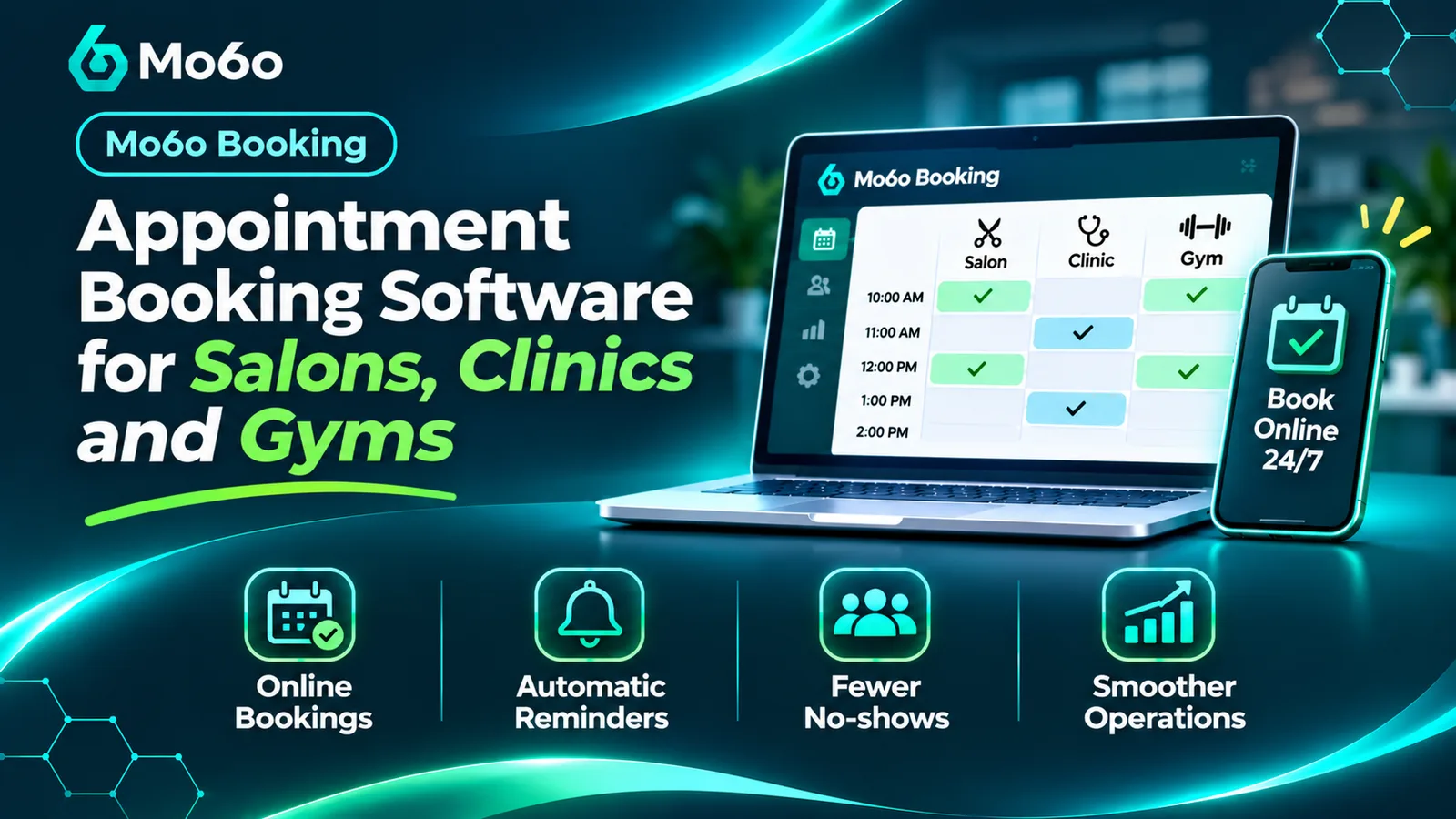
A calendar that never double-books
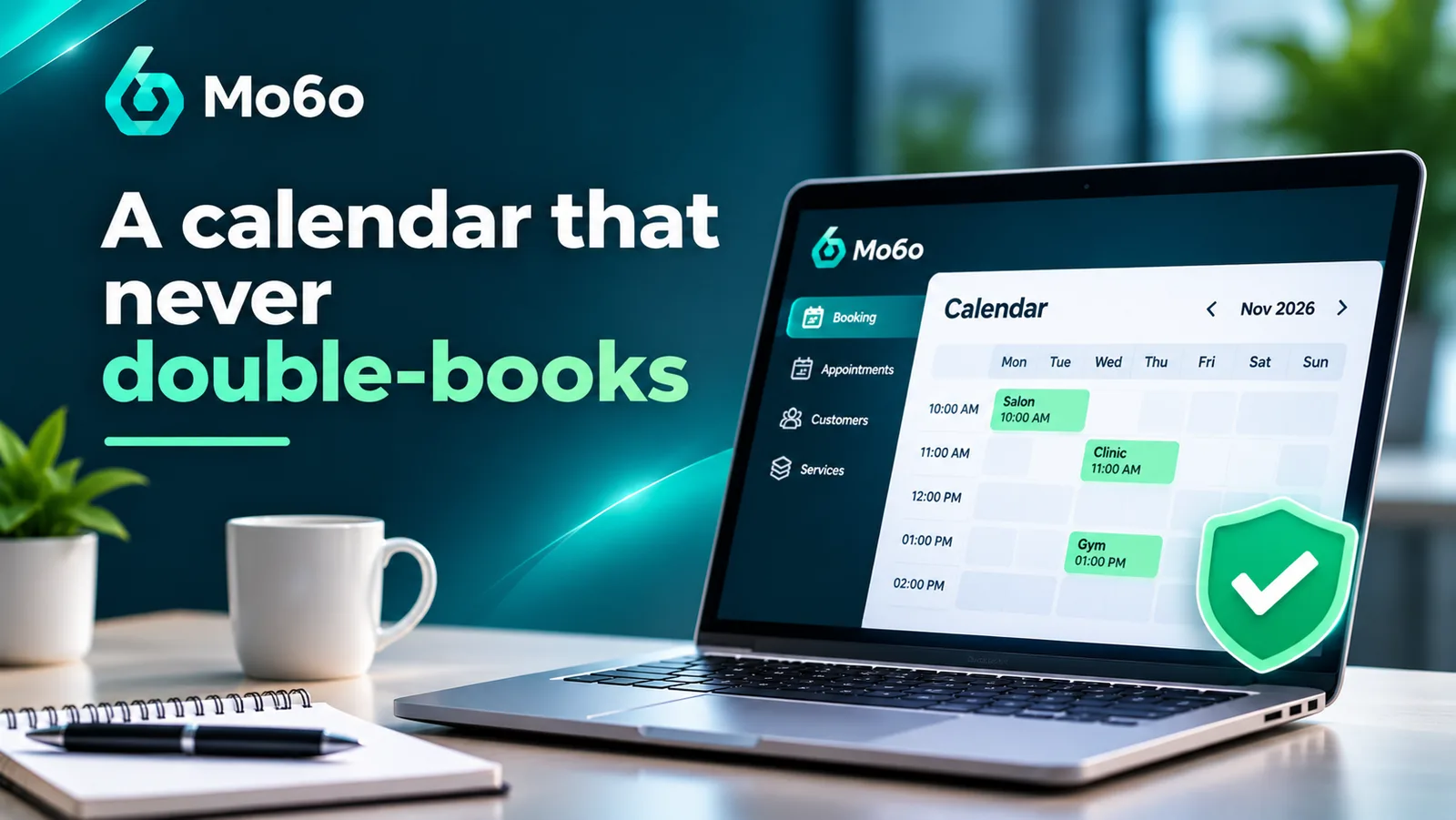
In Mo6o Booking, you drag a booking to move it. The calendar knows who is on shift, so you can't offer a customer a time when nobody is working. Staff shifts and leave feed straight into what customers can book, and every screen at your counter updates the moment something changes.
Reschedule requests come to you for approval instead of arriving as a phone call, and you can charge more at peak hours and less off-peak by setting the rule once.
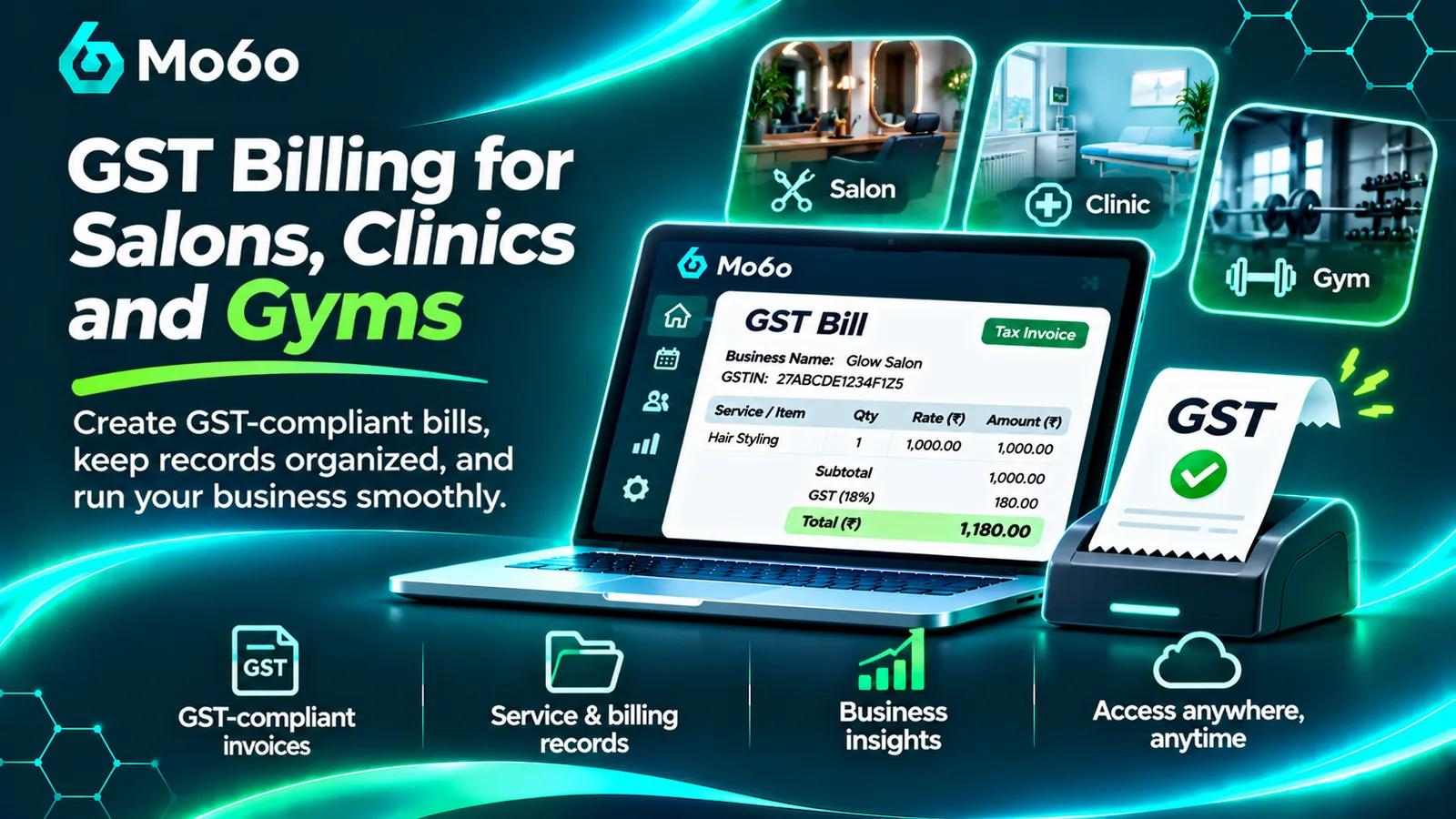
GST billing for salons, clinics and gyms
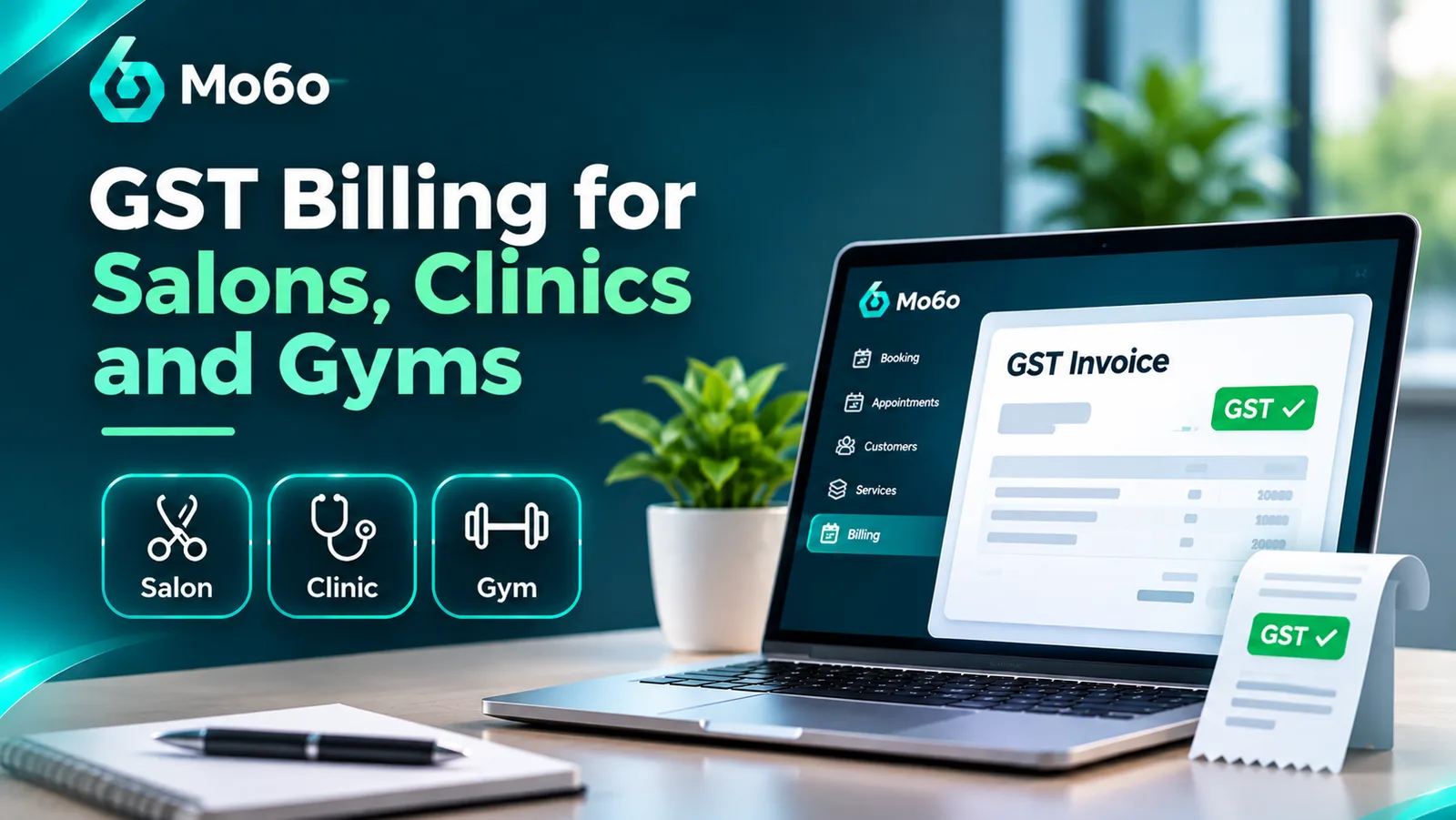
Bills in Mo6o Booking cover services, products, tips, memberships, packages and gift cards, along with discounts, part-payments, refunds and voids.
• GST per service or product: set the rate on each item, not one rate for the whole shop.
• GST-inclusive prices: mark whether a price already includes GST, and the CGST and SGST split is worked out for you.
• Every payment mode: record UPI, card, net-banking, cash or split payments on the same screen, and tips land on the right person.
WhatsApp booking confirmations and reminders
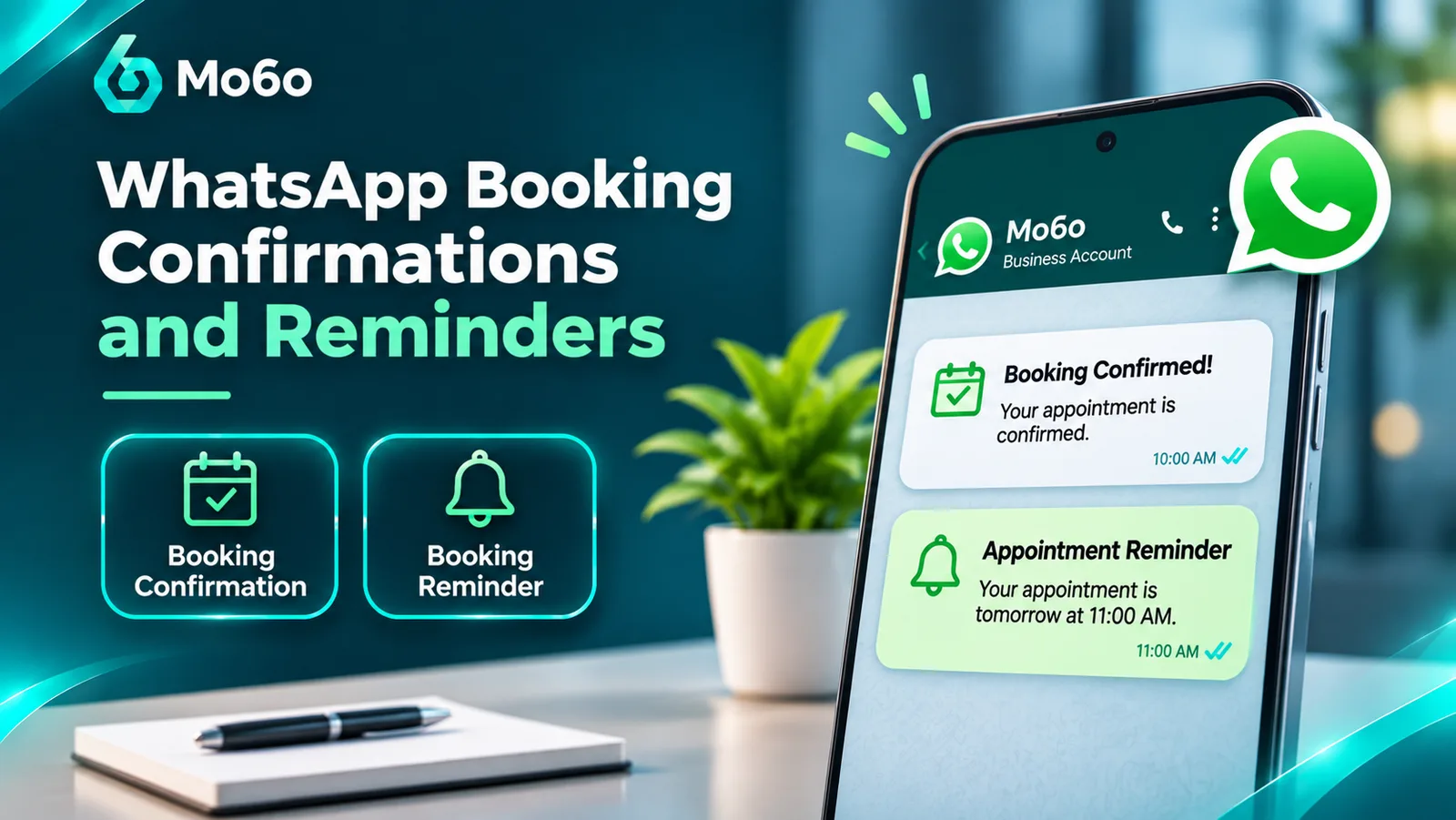
Your customers are already on WhatsApp, so Mo6o Booking sends booking confirmations, reschedules and cancellations there automatically. The bill goes out as a link they can open and pay, so there is no app to install. Invoice links, one-time login codes, review requests and waitlist alerts also go out on WhatsApp, and email works too. Message allowances can be topped up without changing your plan.
An online booking page that works at 2 AM
Put your /book link in your Instagram bio. Customers pick a service, a team member and a time, verify with a 6-digit OTP and can pay a deposit, all without calling you.
• Verified by code: every booking on your calendar is a real person.
• Deposit up front: ask for a percentage to hold the slot, so no-shows stop being free.
• Your Instagram on the page: your latest posts refresh automatically.
• Self-service rescheduling: customers move their own slot through a link, with no login.
Reports that help you decide:-
Mo6o Booking's reports go beyond a revenue chart. They show which hours sit empty, which customers came back and what each person earns you per hour.
• Retention: of the customers who came in March, how many are still coming.
• Booking sources: walk-in, your booking page or the marketplace.
• Profit and loss: after stock, payouts and expenses, by month and by category.
More tools for running the whole business:-
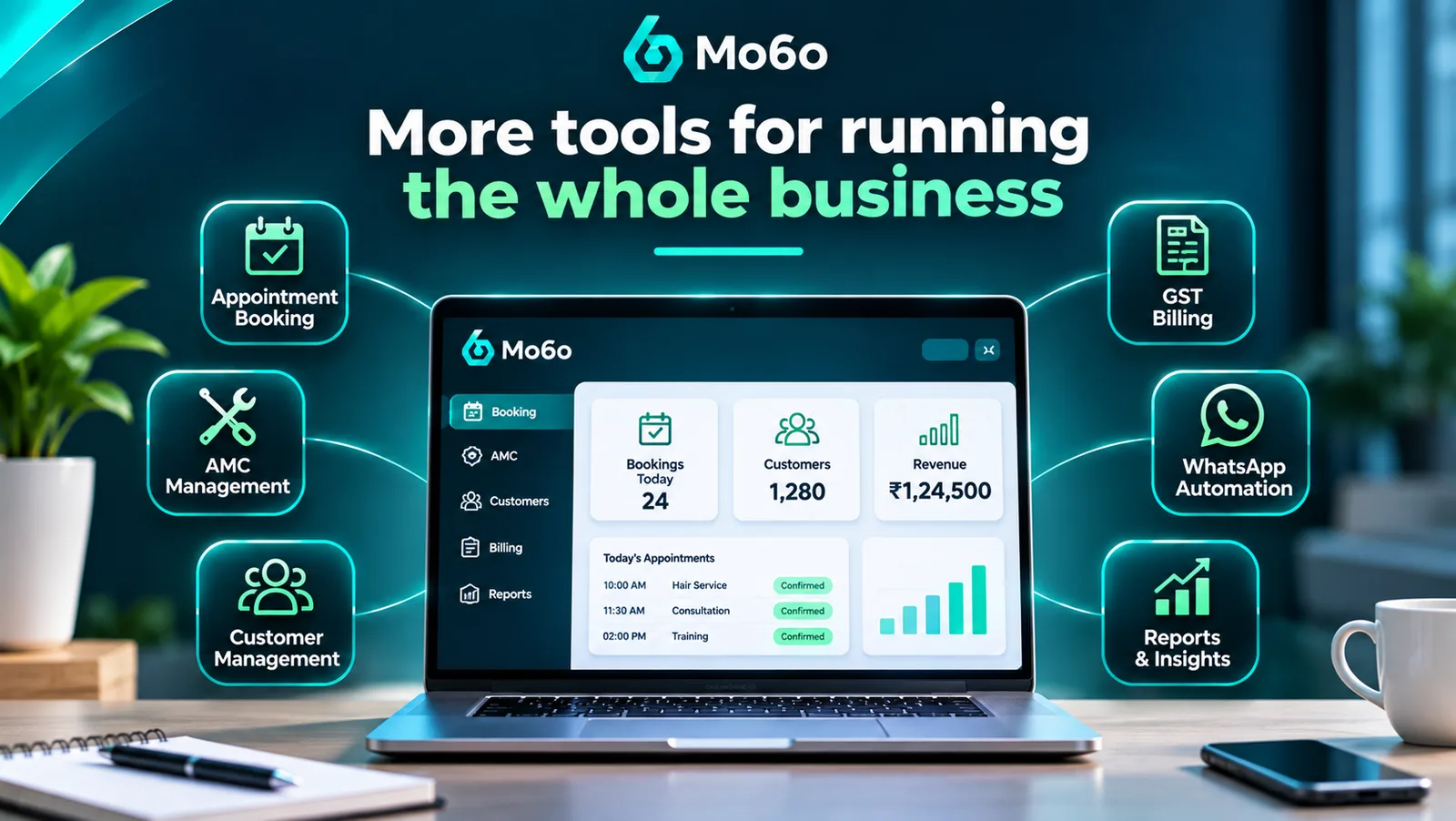
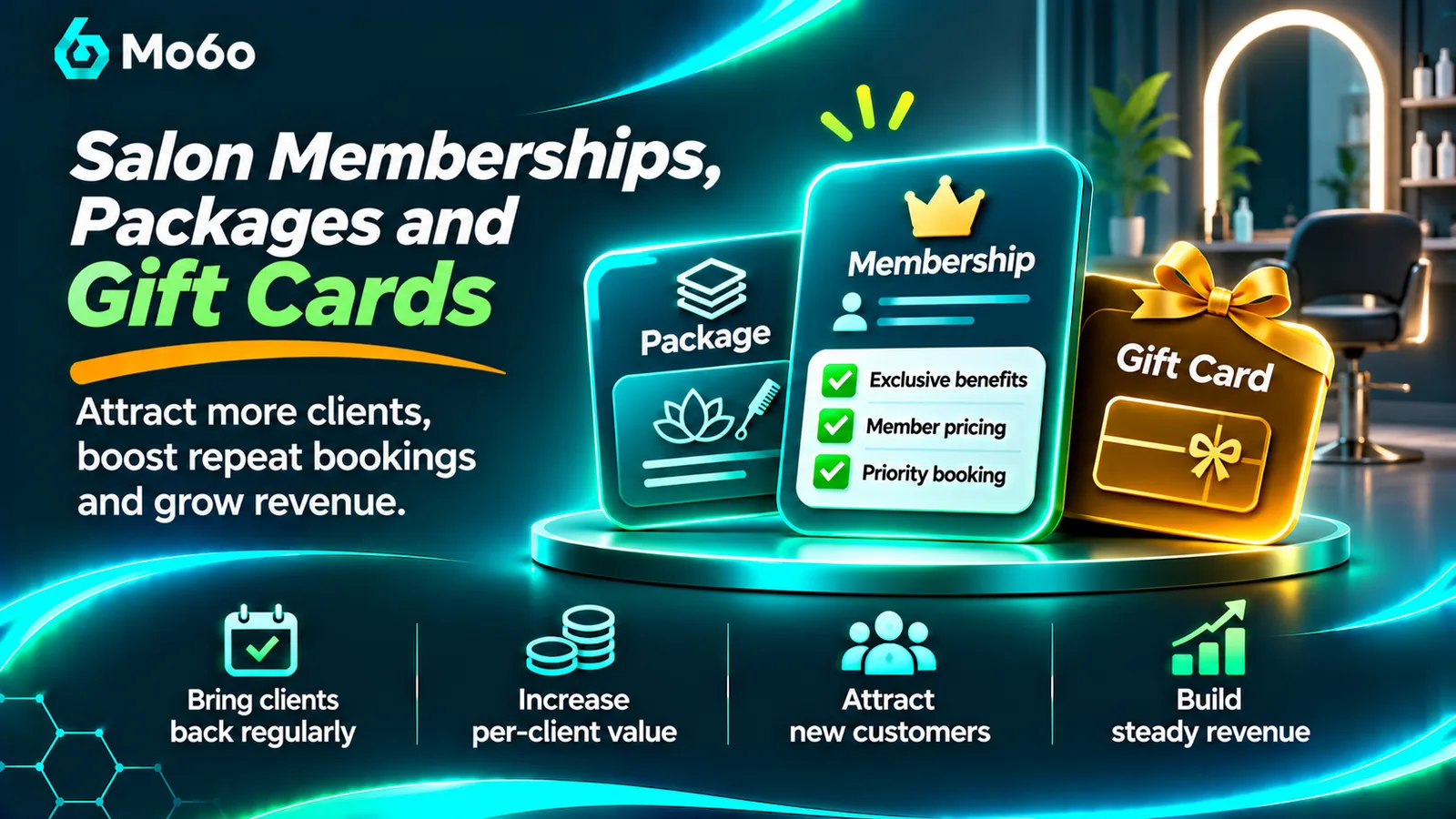
• Memberships, packages and gift cards: member-only pricing, prepaid session packs that draw down on their own, and gift cards that can't be spent twice.
• Inventory: goods are matched against the purchase order, items can be billed by barcode, and costly items are tracked serial by serial. • Permissions: decide exactly who can refund, discount, void a bill or see salaries.
• Attendance and leave: staff check in and apply for leave from their phone, and hours flow into payouts.
• Commissions and advances: commission plans per service and per person, with salary advances deducted in instalments.
• Live service tickets: open a running tab when the customer sits down, hand it between staff and close it into one bill.
• Intake forms and consent: customers fill and sign on their phone before they arrive.
• Dues, expenses and P&L: customer balances, vendor payments and expenses in one place.
Multi-branch booking software: one head office, up to 50 branches:-
Set it up once at head office and every branch has it, including integrations, policies and a single GST rule for the whole chain. You can switch between branches from the top bar without logging out. Staff who work at two locations keep one login, and each branch sees only its own day.
Connections you can add when you need them:-
Nothing is required to get started. If you haven't set up online payments, bookings still work and you take cash at the counter.
• Payments: UPI, cards, net-banking and wallets, at the counter, as a booking deposit or on a bill link.
• WhatsApp Business: confirmations, reschedules, bill links, login codes and review requests from your business number, included from the Starter plan.
• Email: receipts, invoices, intake-form links and booking reminders, on every plan.
• Instagram: your latest work shows on your booking page.
Pricing: Start free:-
Every plan, including Free, has unlimited appointments and unlimited customers. Only messaging is metered, and you can top up with credit packs without changing plans. There is no setup cost, every signup gets 2 months free and annual billing saves 5%. You can see live plans and pricing inside the app.
Your data, Your rules:-
• Staff see only what you allow. Permissions are set action by action, and two-factor login is available for admins.
• Nothing changes quietly. Every bill, booking and price change is logged, and deleted bills and clients are recoverable.
• No lock-in and no card data. Payments go through the gateway's own checkout, and you can export all your data in one click.
In the news:-
Mo6o has been covered by the Indian press as the platform turning everyday appointment chaos into one system for every service business, and the launch story was carried by more than 200 outlets across the country.
FAQs
What kinds of businesses can use Mo6o Booking appointment software?
Any appointment-based service business: salons, barbershops, spas, clinics, gyms, nail and beauty studios, tattoo studios and pet grooming. You pick your business type at signup, and the app adapts. It relabels clients as patients for a clinic or members for a gym, and loads the right service categories and staff roles.
What does it cost to start with Mo6o Booking?
Nothing. The free plan has unlimited appointments and unlimited customers. Only messaging has an allowance, and you can top that up without changing plans.
Can I move my existing customers to the new booking software?
Yes. Import your customer list from a CSV file and start from where you are. You don't have to retype a year of history.
Does Mo6o Booking work without an online payment gateway?
Yes. Everything still works. You take cash or UPI at the counter, and the deposit step is skipped on your booking page. You can connect a gateway later from Settings, and online payments switch on.
Can my staff log in without seeing everything?
Yes. You decide action by action who can refund, who can discount, who can void a bill and who can see salaries. Each team member's portal shows only their own schedule, attendance and earnings.
How does GST billing work for salons and clinics in Mo6o Booking?
Set the GST rate on each service or product, and mark whether the price already includes GST. The CGST and SGST split is worked out on the invoice. You can also decide whether staff commission is calculated before or after GST.
Does Mo6o Booking store my customers' card details?
No. Payments go through the gateway's own hosted checkout, so card numbers never touch Mo6o's servers. Only a reference to the payment is kept.
Can I manage multiple branches with one Mo6o Booking account?
Yes. Run one location or fifty from a single head-office view. Settings cascade to every branch, head office can enforce one GST policy across the chain, and staff who work at two branches keep a single login.
What is the Mo6o marketplace?
It is where customers search for a business near them by category, location, price and rating and book directly. Listing is included, so the software that runs your day also brings you new customers.
What happens to my data if I leave?
You can export all of it in one click, whenever you like.
Start with Mo6o Booking:
Start on the free plan with unlimited appointments and customers, with no setup fee, and bring your customer list with you.
• Start Free:- https://booking.mo6o.com/login
• Learn more: https://mo6o.com/booking
Mo6o Booking is built by PGSPACE and made in India.
Related blogs
https://mo6o.com/amc: Do you also run annual maintenance contracts, field visits and service-call billing? See how Mo6o AMC handles them.
https://mo6o.com/blog/company: Find out which Mo6o product fits your business, from salons and clinics to AC, lift and water-purifier service.