GST Billing for Salons, Clinics and Gyms: A Simple Guide to Invoices in India
A simple guide to GST billing for salons, clinics and gyms in India: rates per service, CGST/SGST split, split payments and invoices on WhatsApp.
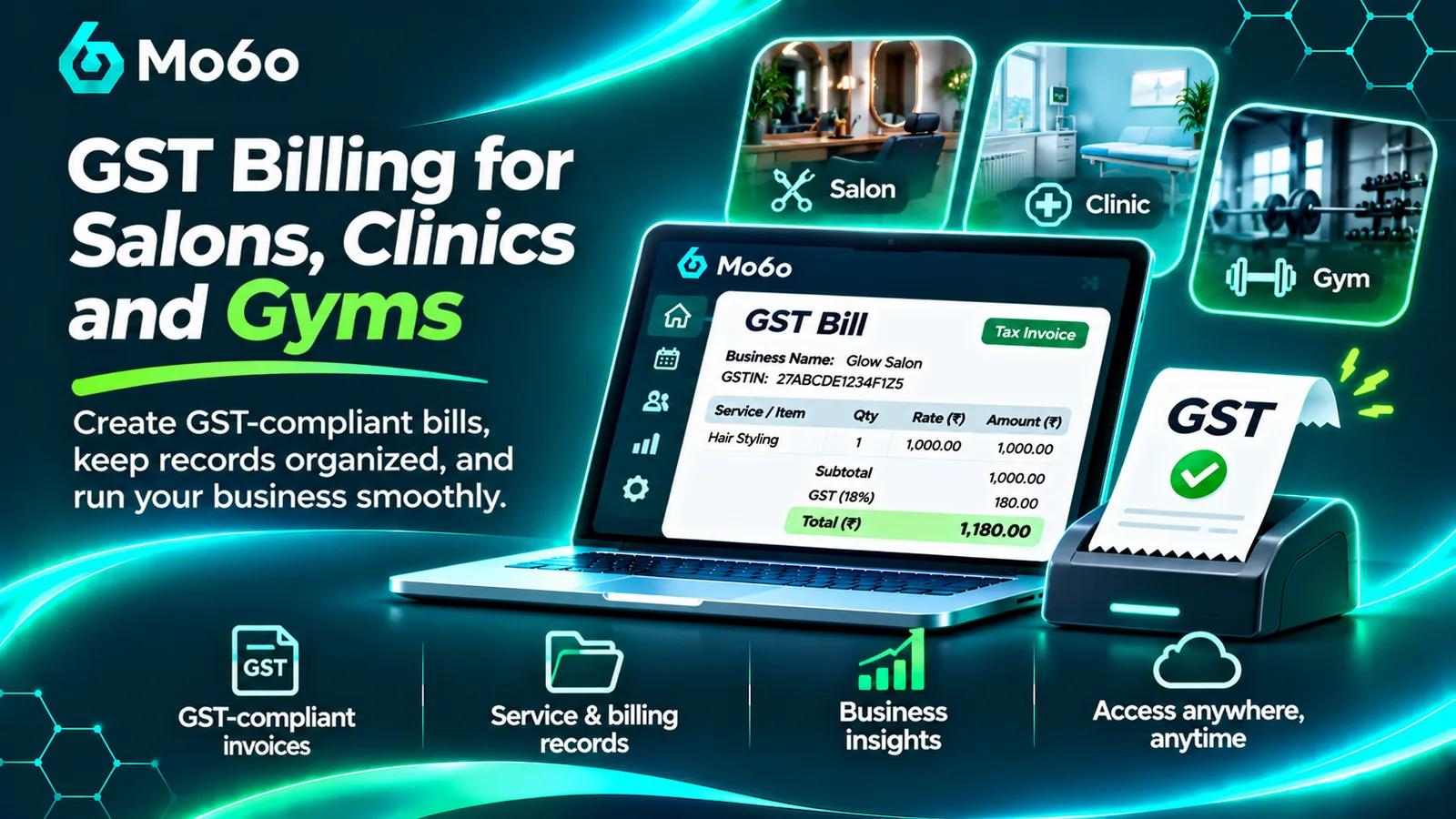
Every salon, clinic and gym owner in India has met the same problem at the counter: a customer has had two services and bought a product, the staff member wants a tip recorded, there's a discount to apply, and half of it is paid in cash and half by UPI. The bill still has to be right, and it still has to carry the correct GST.
This guide explains how GST billing works for appointment-based businesses and how Mo6o Booking helps you get it right on every invoice. It explains how the software works. It isn't tax advice, so for tax rules, always confirm with your CA.
What goes on a GST bill for a salon, clinic or gym:-
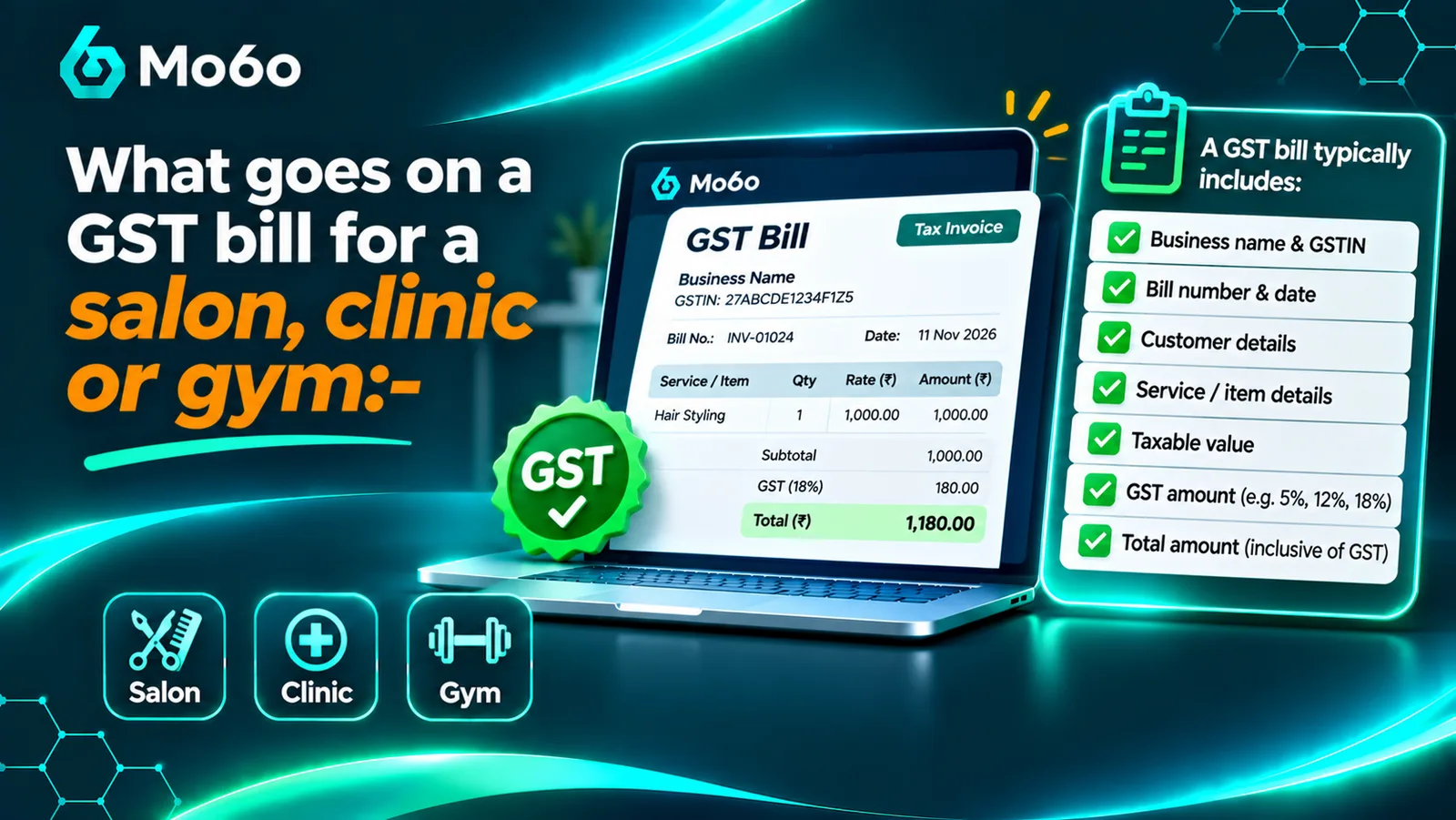
A bill in an appointment business is rarely one line. With Mo6o Booking, a single bill can include:
• Services: a haircut, a physio session, a personal-training slot.
• Products: retail items sold at the counter.
• Tips: recorded on the bill and sent to the right person.
• Memberships and packages: sold and billed like any other item.
• Gift cards: applied to the bill as payment.
• Discounts, part-payments, refunds and voids: handled on the same screen. When everything sits on one bill, nothing has to be added up by hand at the end of the day.
Set the GST rate on each service or product:-
One blanket rate for the whole shop rarely fits a business that sells both services and products. In Mo6o Booking, you set the GST rate per service or product, not one rate for the whole shop, so every line is taxed the way you've set it.
This matters most for businesses that sell a mix. A salon sells services and retail products. A clinic bills consultations and items. A gym sells memberships and products. Setting the rate on each item keeps the invoice consistent.
GST-inclusive prices, explained:-
Some businesses quote prices with GST added on top, and others quote a single price that already includes GST. Mo6o Booking handles both. You mark whether the price already includes GST, and the invoice works out the tax from there.
That means the price on your menu can stay the price the customer pays, if that's how you quote it.
The CGST and SGST split, done for you:-
On an Indian GST invoice, tax is shown as CGST and SGST. In Mo6o Booking, the CGST and SGST split is worked out for you on the invoice, so your team doesn't calculate it at the counter.
Take payment in any mode on the same screen:-
Customers pay in different ways, and sometimes in more than one way for the same bill. Mo6o Booking lets you record UPI, card, net-banking, cash or a split on the same screen. Tips land on the right person.
For online payments, Mo6o Booking is Razorpay-first, so you can take UPI, cards, net-banking and wallets at the counter, as a booking deposit or on a bill link. If you haven't connected a gateway yet, everything still works. You can take cash or UPI at the counter, and you can connect a gateway later from Settings.
Tips, discounts, refunds and voids:-
The awkward parts of billing are where mistakes happen. In Mo6o Booking, these are all part of the same bill, and each can be its own permission. You decide exactly who can refund, who can discount and who can void a bill, so a new team member can't change a bill without your say-so.
Every bill, booking and price change is written down: who did it, when, and what it was before. Deleted bills are recoverable, not gone.
Is staff commission calculated before or after GST?
Staff commissions are worked out from the bill, and you can decide whether commission is calculated before or after GST. Mo6o Booking supports commission plans per service and per person, and every change to a commission is logged against the person who made it.
One running bill with live service tickets:-
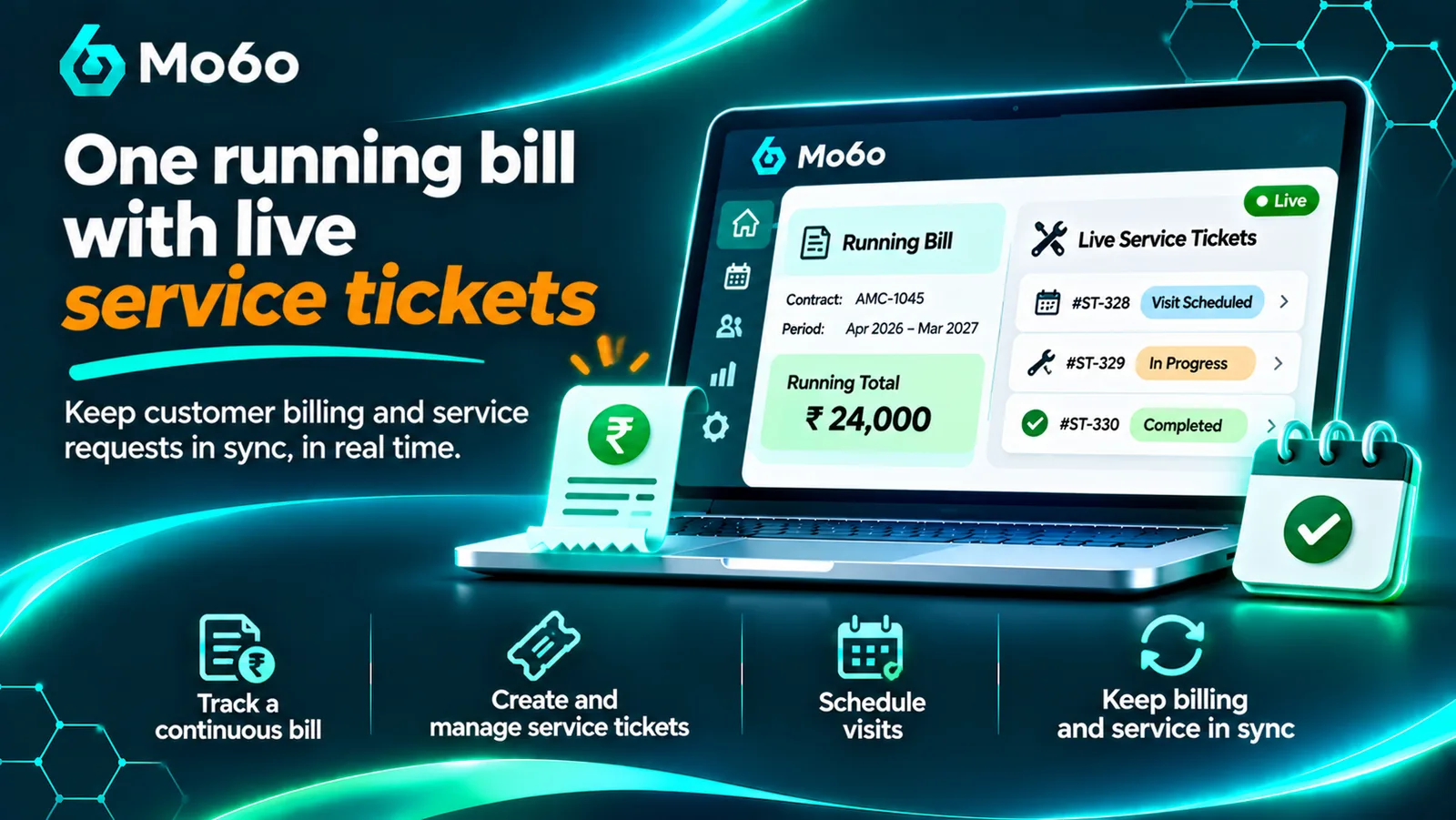
For businesses where a visit moves between people, such as a stylist and a colourist, Mo6o Booking lets you open a running tab as soon as the customer sits down. You can hand it between staff as the visit moves, then close it into one bill, with the right commission on each line.
Send the invoice on WhatsApp:-
Once the bill is done, it goes out as a link on WhatsApp that your customer can open and pay. There is no app to install and nothing to explain. Booking confirmations, reschedules, cancellations, invoice links, and review requests all go out the same way, and message allowances can be topped up without changing your plan.
One GST rule for every branch:-
If you run more than one location, billing rules should not differ from branch to branch. In Mo6o Booking, the head office can enforce one GST policy across the whole chain. Settings cascade to every branch, and you can switch between branches from the top bar without logging out.
Know if the month made money:-
Good billing feeds good decisions. Mo6o Booking tracks customer balances, vendor payments and expenses by category, and its profit and loss report subtracts stock, payouts and expenses by month and by category, so you know whether the month worked.
A note on tax rules:-
This article explains what the software does. Tax rates, registration and filing depend on your business and change over time, so confirm them with your CA before you set rates in the app.
Your GST billing checklist:
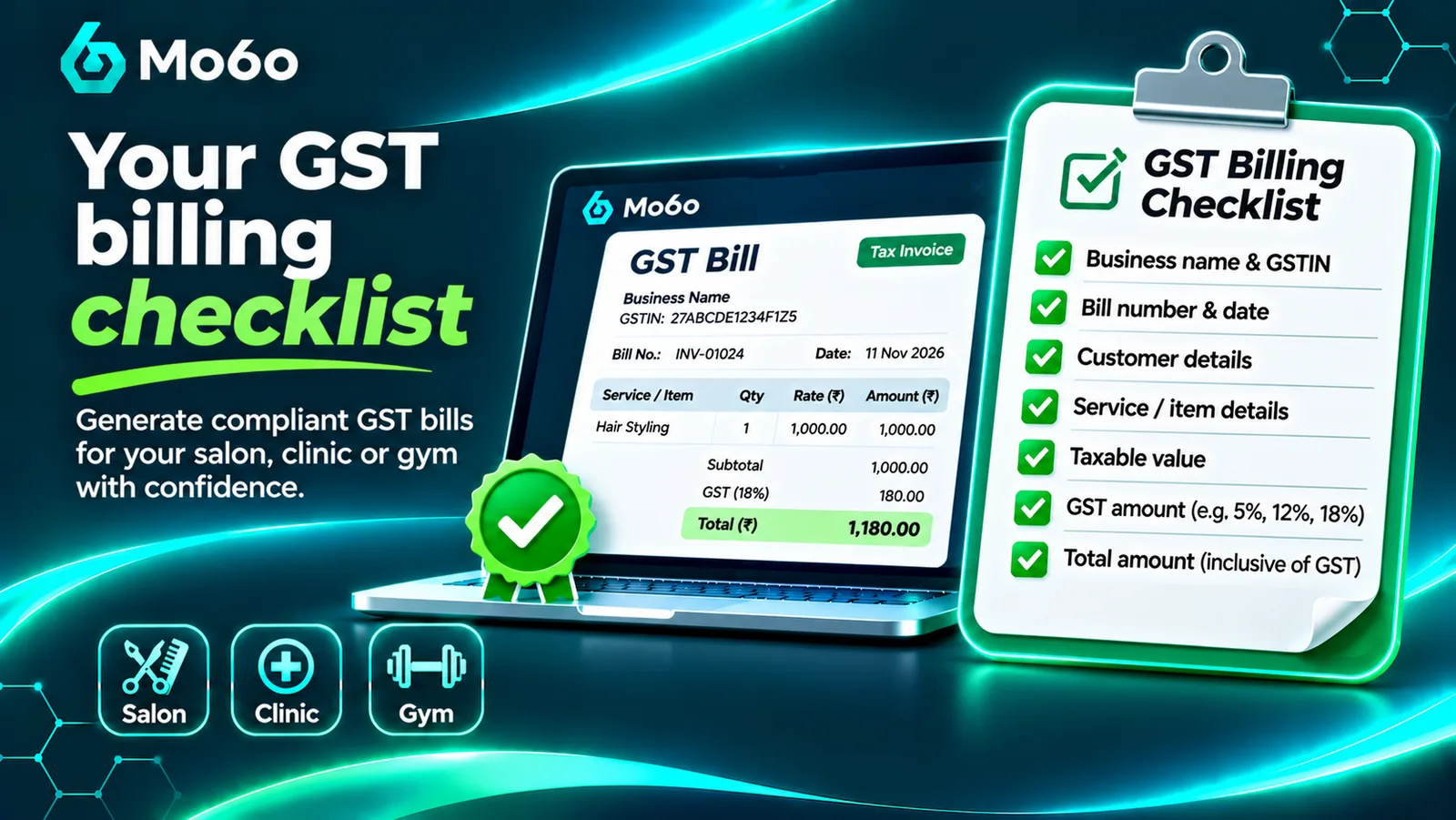
- Set the GST rate on each service and product.
- Mark which prices already include GST.
- Check that the CGST and SGST split appears on the invoice.
- Record every payment mode, including split payments.
- Decide who can discount, refund and void bills.
- Choose whether commission is calculated before or after GST.
- Send invoices on WhatsApp as a link.
- Use one GST policy across all branches.
- Review your profit and loss every month.
- Confirm tax rules with your CA.
How Mo6o Booking helps-
Mo6o Booking puts bookings, billing, staff, inventory and marketing on one platform, for a single location or a 50-branch chain. For GST billing, that means a rate on every service and product, a CGST and SGST split done for you, every payment mode on one screen and invoices on WhatsApp.
Every plan, including Free, has unlimited appointments and unlimited customers. Only messaging is metered; there is no setup cost, and every signup gets 2 months free. You can see live plans and pricing inside the app.
FAQs
How do I make a GST bill for a salon?
Add the services and products to the bill, with the GST rate you've set on each one, then apply any discount or tip and take payment. In Mo6o Booking, the CGST and SGST split is worked out for you on the invoice.
Can I set different GST rates for services and products?
Yes. In Mo6o Booking, you set the GST rate on the individual service or product, not one blanket rate for the whole shop. Confirm the correct rates with your CA.
What does a GST-inclusive price mean?
It means the price you quote already includes GST. In Mo6o Booking, you mark whether a price includes GST, and the invoice works out the tax from it.
What is the CGST and SGST split on a GST invoice?
It is how GST is shown on an invoice in India. Mo6o Booking works out the CGST and SGST split for you, so your team doesn't calculate it by hand.
Can a customer pay with more than one mode on the same bill?
Yes. You can record UPI, card, net-banking, cash or a split between modes on the same screen, and tips land on the right person.
Can I send the GST invoice to my customer on WhatsApp?
Yes. The bill goes out as a link on WhatsApp that your customer can open and pay. There is no app to install. WhatsApp Business is included in the Starter plan, and email works on every plan.
Is staff commission calculated before or after GST?
You decide. Mo6o Booking lets you choose whether commission is calculated before or after GST, and commission plans can be set per service and per person.
Can I use one GST rule across all my branches?
Yes. Head office can enforce one GST policy across the chain, and settings cascade to every branch.
Start with Mo6o Booking:-
Start on the free plan with unlimited appointments and customers, with no setup fee, and bring your customer list with you from a CSV file.
• Start free: https://booking.mo6o.com/login
• Learn more: https://mo6o.com/booking
Related blogs:-
• How to Reduce No-Shows at Your Salon, Clinic or Gym With Online Booking: How verified bookings, deposits and WhatsApp messages keep your calendar full. (Add the blog link when it is published: /blog/reduce-no-shows-salon-clinic-gym)
• Software for Service Businesses in India: 8 Things to Look for Before You Choose: A buyer's guide covering payments, GST, WhatsApp and data. (Add the blog link when it is published: /blog/software-for-service-businesses-india-guide)
•More from Mo6o: https://mo6o.com/blog
Mo6o Booking is built by PGSPACE and made in India.