How to Schedule Technicians for AMC Visits: A Guide to the Allocation Board
Learn how to assign AMC visits to technicians by skill, history and workload with a weekly allocation board in Mo6o AMC. Talk to us.
Every morning, someone in your AMC business has to answer one question: which technician goes where? If the answer lives in a spreadsheet, a WhatsApp group and one coordinator's memory, visits get missed, some technicians get overloaded, and others sit idle.
This guide explains how to schedule technicians for AMC visits in a way that is clear, fair and easy to change, with examples from Mo6o AMC, software built for AMC and service-call businesses in India.
The problem with phone-and-spreadsheet scheduling:
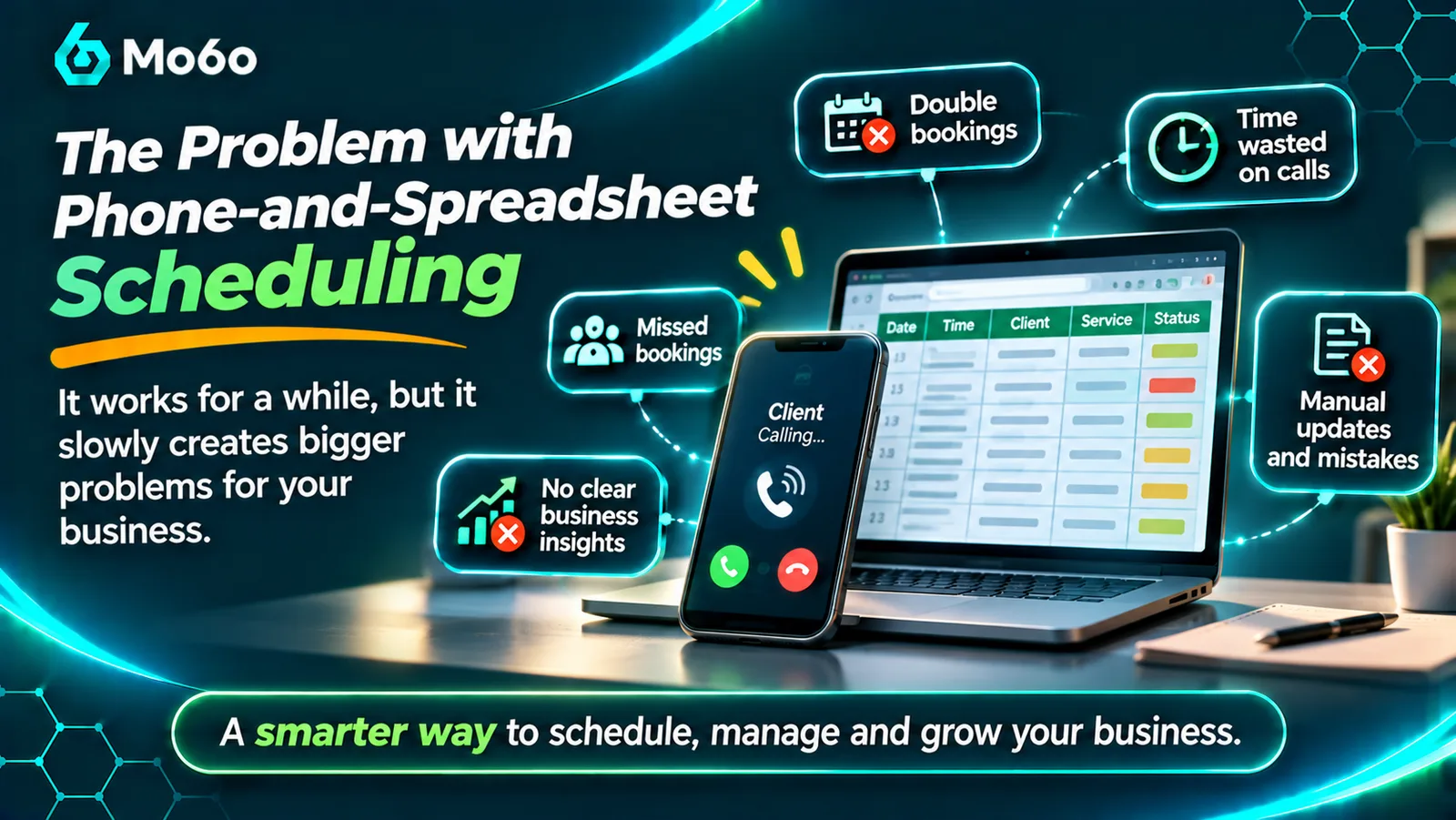
Most AMC teams start with a spreadsheet and a phone. It works, until it doesn't:
• No view of workload. You can't see at a glance who is overloaded this week.
• No proof of service. When a customer asks, "When were you last here?", nobody can answer quickly.
• Changes get lost. A visit moves, and the technician or the customer is the last to know.
• Dates ignore reality. Visits land on weekly offs and holidays.
A good scheduling process fixes each of these, and that is what an allocation board is for.
Start with visits that plan themselves:
Scheduling is easier when the visits already exist. In Mo6o AMC, once a customer accepts a contract, the planned visits are generated across the contract term through your working-day calendar. Nobody has to create each visit by hand, and the first invoice is drafted at the same time.
Because weekly offs, holidays, and per-day visit caps shape every generated schedule and every suggested date, you start from a plan that already respects how your business works.
The weekly allocation board:
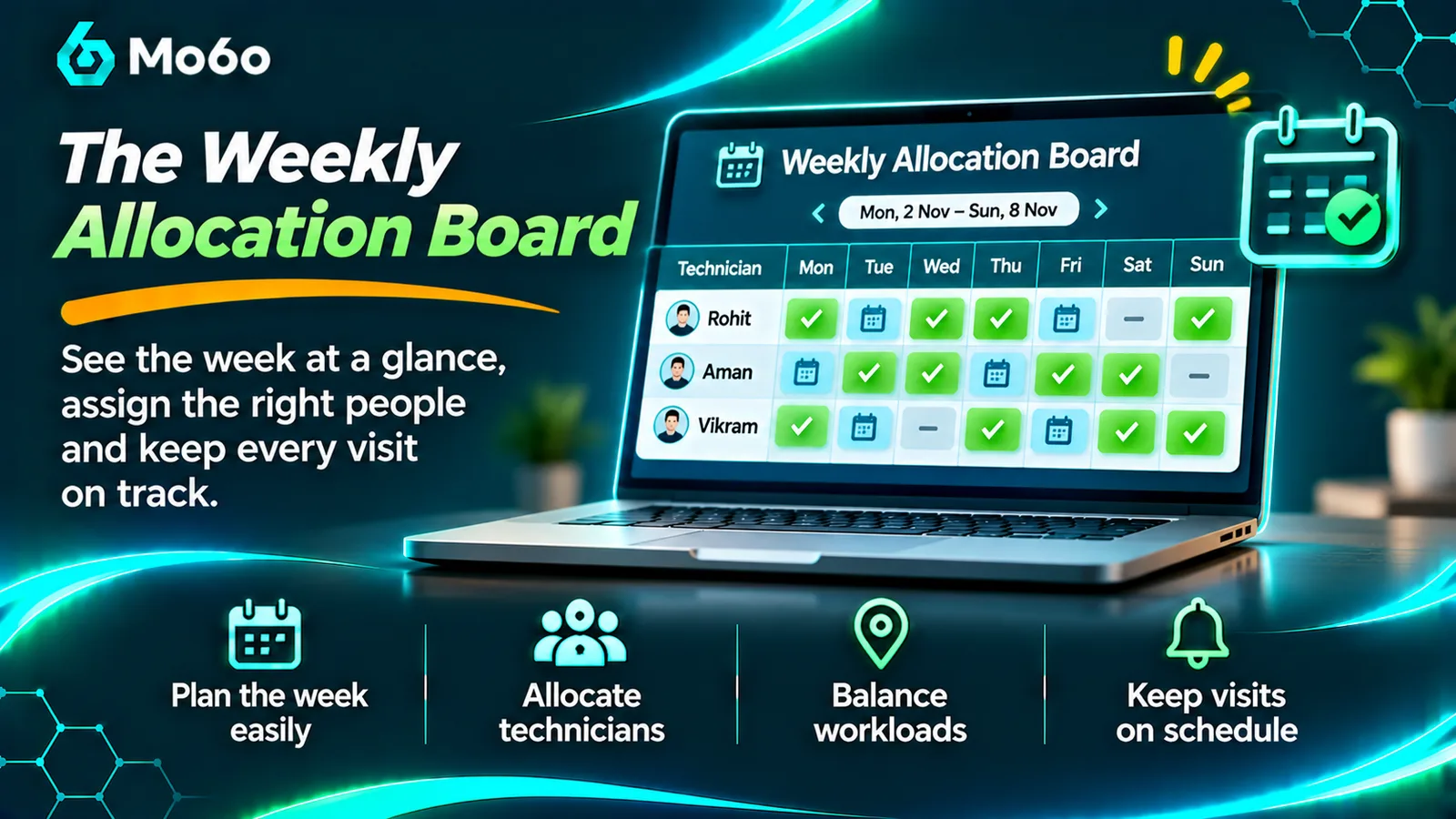
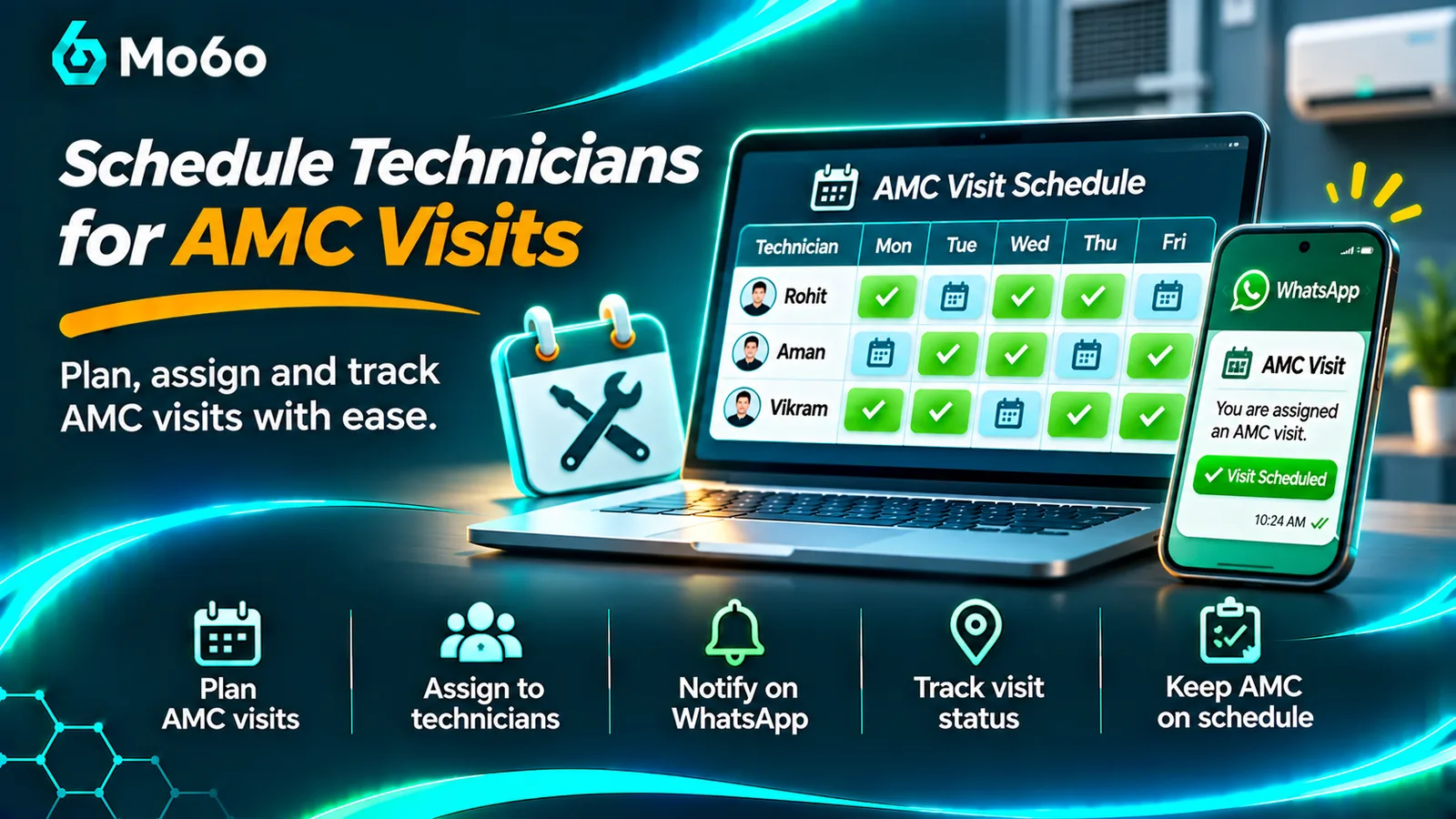
The allocation board in Mo6o AMC is a week of your whole field team on one screen. You drag a visit onto a technician. You can also move it, span it across days, or put two people on the same job.
A board like this helps because everyone sees the same picture. The coordinator can see who has capacity, and a gap in the week is visible straight away.
Suggestions by skill, history and workload:
Every unallocated visit in Mo6o AMC carries a suggestion. The suggestion scores three things:
• Skill match: does the technician have the skills this job needs?
• History: has this technician served that client before?
• Workload: how loaded is the technician's week already?
Suggested dates respect your weekly offs, holidays and per-day visit caps, so you aren't offered a day when the team isn't working.
Why this suggestion: the scoring explained:
A suggestion you can't explain is hard to trust. Mo6o AMC's "Why this suggestion" screen shows the exact points behind every ranking, so a coordinator can see why one technician was suggested over another, and trust it or overrule it.
The suggestion never blocks you. Coordinators always have the final word.
Daily capacity caps: the system warns, you decide:
Overbooking is easy to miss in a busy week. In Mo6o AMC, you set a capacity cap per day, and the board flags overbooked days. It warns, and you decide. That keeps you in control while making sure an overloaded day gets noticed.
Notify technicians on WhatsApp, on purpose:
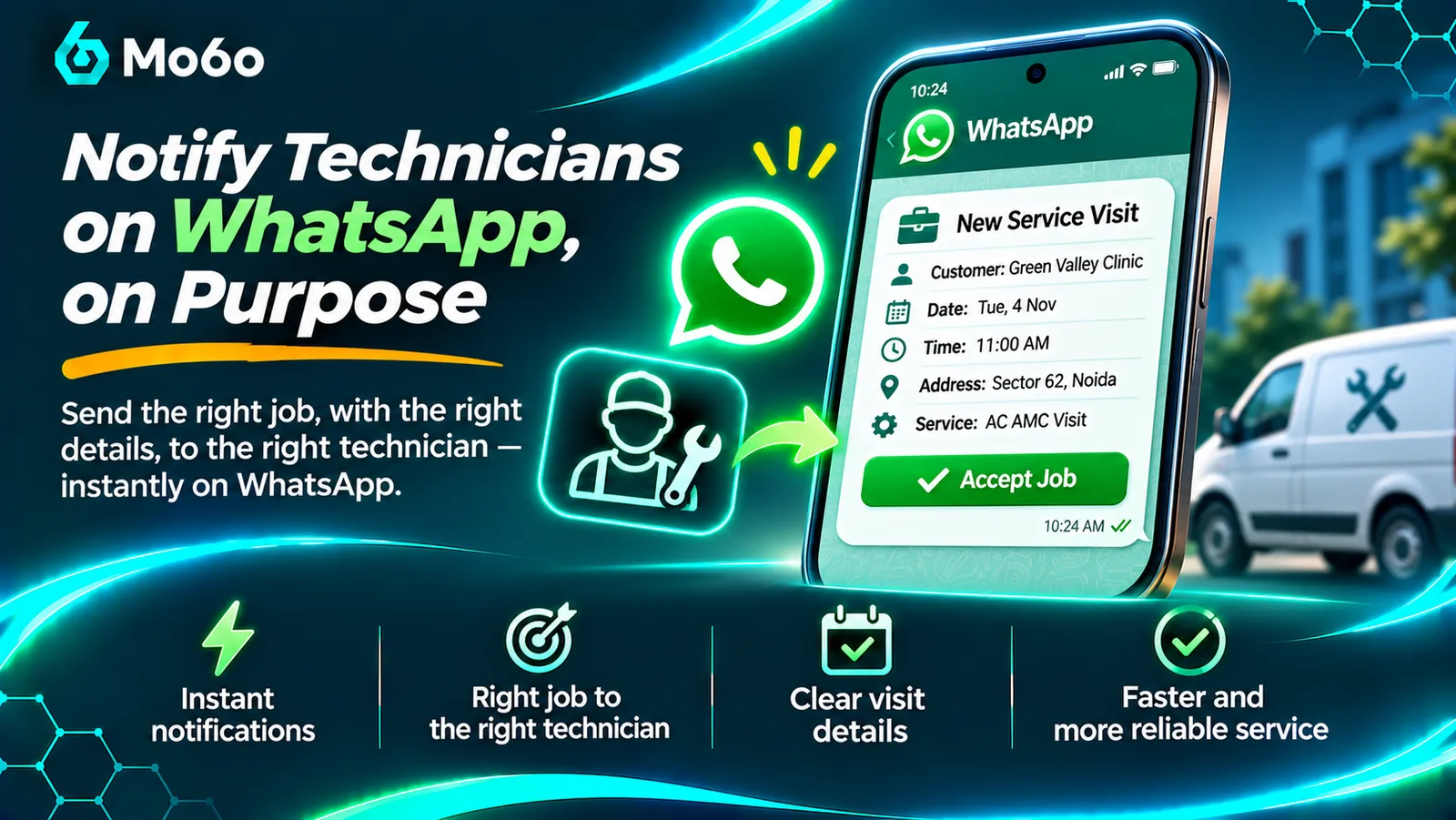
Once you're happy with the plan, you tell your team. In Mo6o AMC, notifying technicians on WhatsApp is a deliberate step after allocation, never an accidental blast. That means you can drag, move and adjust the week without sending a message for every change.
On the Growth plan and above, a weekly WhatsApp team plan is also sent to your technicians, so everyone starts the week knowing their visits.
Keep each technician's view limited:
A technician doesn't need to see everyone's jobs and customers. In Mo6o AMC, access is set by role and permission. By default, a technician sees their own visits and nothing else.
Review punctuality and reallocations:
Scheduling improves when you can look back. Mo6o AMC's reports include punctuality (on-time percentage, average delay and the clients with the most delays), staff performance, and reschedules and reallocations, all with CSV export. You can see where plans keep changing and fix the cause.
Your weekly scheduling checklist:
- Check that every active contract has its planned visits.
- Open the weekly allocation board and look for unallocated visits.
- Read the suggestion for each visit, and open "Why this suggestion" when you're unsure.
- Drag each visit to a technician, or overrule the suggestion with a reason.
- Check the daily capacity warnings, and rebalance overbooked days.
- Check weekly offs and holidays in the schedule.
- Notify technicians on WhatsApp once the plan is final.
- At the end of the week, review punctuality and reallocations.
Who Mo6o AMC is for:
Mo6o AMC suits any business that services equipment under contract or on call-out: air-conditioning and HVAC, water purifiers, lifts, fire safety, medical and lab equipment, IT hardware and industrial machines.
How Mo6o AMC helps:
Mo6o AMC runs annual maintenance contracts end to end: contracts and renewals, scheduled visits, field service with photo and OTP proof, GST invoicing and payment tracking. It is WhatsApp-native, UPI-friendly and made in India, and your customers never install anything.
Every plan runs your full AMC operation. Smart allocation suggestions are included from the Growth plan, and plans differ by staff seats, WhatsApp allowance and feature groups. You can see current plans on mo6o.com/amc. Accounts are set up by the Mo6o team, so you can talk to us and get started.
FAQs
How do I assign technicians to AMC visits?
Use a weekly board that shows your whole team, and drag each visit onto a technician. In Mo6o AMC, you can also move a visit, span it across days or put two people on the same job.
How does technician suggestion work in Mo6o AMC?
Every unallocated visit carries a suggestion that scores skill match, whether the technician has served that client before, and their current workload. Suggested dates respect your weekly offs, holidays and per-day visit caps.
Can I overrule the suggested technician?
Yes. Suggestions never block you, and coordinators always have the final word. The "Why this suggestion" screen shows the exact points, so you can decide whether to follow it.
What are daily visit capacity caps?
They are limits you set per day. In Mo6o AMC, the allocation board flags days that go over the cap. It warns, and you decide.
Does the field service app work offline?
Yes, for the parts a technician needs mid-job. Check-ins and visit completions queue offline and sync when the connection returns. Photo uploads and OTP sign-off need a live connection, and the app says so.
Can two technicians be assigned to the same visit?
Yes. On the Mo6o AMC allocation board, you can put two people on the same job.
Which Mo6o AMC plan includes smart allocation suggestions?
Smart allocation suggestions are included in the Growth plan. Every plan runs the full AMC operation, and you can see current plans and prices on https://mo6o.com/amc.
Can technicians see other technicians' jobs?
Only if you let them. By default, a technician sees their own visits and nothing else.
Talk to us about Mo6o AMC:
See how Mo6o AMC plans the visits, suggests the right technician and proves every service.
• Get started: https://amc.mo6o.com/get-started
- Learn more: https://mo6o.com/amc
• Talk to us: info@mo6o.com
Related blogs:
• How to Track AMC Renewals: A Checklist for AC, RO and Lift Service Companies: how expiry nudges and renewal drafts keep contracts from lapsing. (Add the blog link when it is published: /blog/amc-renewal-tracking-checklist)
• How to Stop Revenue Leakage in Your AMC Business: Where AMC money goes missing, and how to see and stop it. (Add the blog link when it is published: /blog/stop-revenue-leakage-amc-business)
• More from Mo6o: https://mo6o.com/blog
Mo6o AMC is built by PGSPACE and made in India.